
How to Avoid Scheduling Link Mishaps
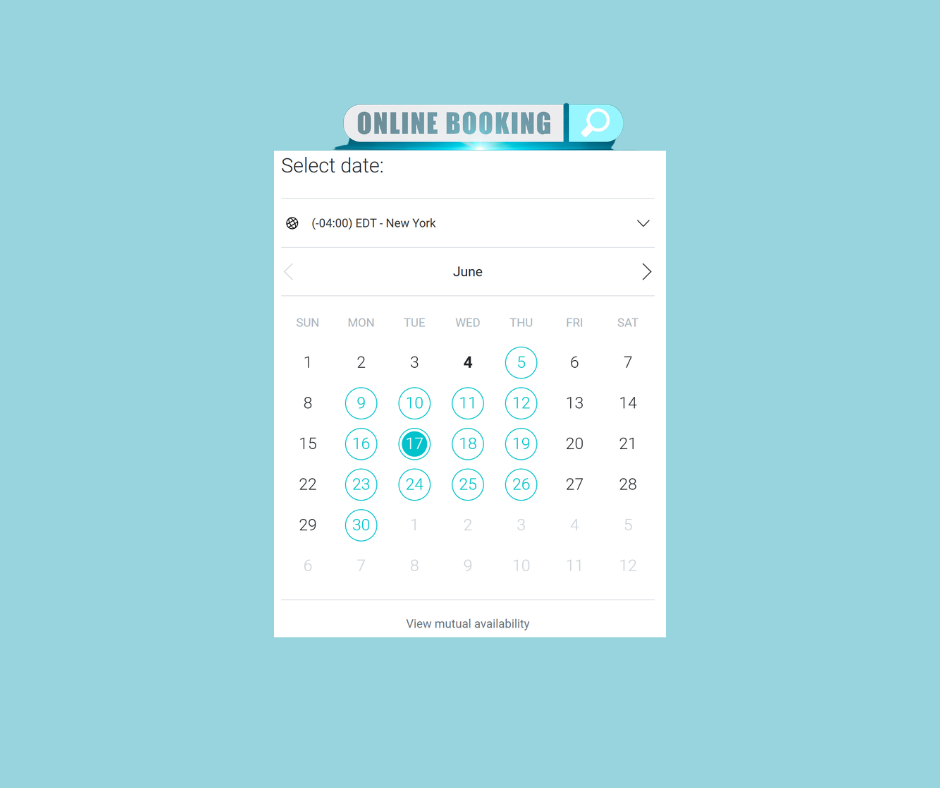
Scheduling links, while not for every situation, can be highly effective for uncomplicated meetings. I’ve set them up for my clients and use them personally as an option for people who’d like to schedule time with me for a networking call, consultation, or a client working session. The idea behind a scheduling link is simple: to make it easy for people to get on your calendar.
They can save precious time, but if not properly set up or managed, they can quickly lead to scheduling chaos.
Over the past few months, I’ve scheduled several meetings using another person’s scheduling link, only to have them not show up. And not because they forgot – but because they were out of the office, out of town, and one was out of the country.
The Problem?
Their calendar didn’t reflect their actual availability. I was able to schedule time on their calendar and even received confirmation and meeting reminders. There was no way for me to know they were not available during the time I scheduled.
Failing to properly manage a scheduling link creates a ripple effect of missed connections, wasted time, and sometimes even loss of trust that could have been easily avoided.
One meeting I scheduled was with a representative from a major corporation—someone whose calendar link should have been properly managed. But there I was, logged in and ready to meet with the representative, only to later find out they were traveling internationally. They’d sent their scheduling link but hadn’t blocked off their time.
It got me thinking: if this happens at the highest levels, it can happen to anyone.
What Went Wrong?
Scheduling tools are powerful—but only as accurate as the calendar behind them. If you haven’t blocked off your travel, days off, lunch, or even focused work time, your link will show those slots as available. When someone books a time that you’re not actually available for, it doesn’t just affect your day; it affects theirs as well.
How to Avoid Scheduling Link Mishaps
Avoid scheduling mishaps by properly managing your scheduling link(s). Here are a few ways to keep your availability clear and your professional reputation intact:
✅ Availability – When setting up your scheduling link, add your default availability for meetings, for example, Monday to Thursday from 10:00 a.m. to 4:00 p.m. with no meetings on Fridays. This step will prevent someone from booking an appointment at 8:00 p.m. on a random evening because your connected calendar appeared free at that time.
✅ Add Buffers – Back-to-back meetings, while they feel productive, are actually counterproductive. Build in buffer time before and after meetings to account for overruns and to protect your energy. You can choose to do this manually or set up buffering rules within your scheduling tool.
✅ Block Your Time – In addition to time-blocking your calendar for focused work, meeting prep, and project work, also include your travel, days off, doctor appointments, and any other commitments that make you unavailable so that your calendar accurately reflects your availability.
✅ Sync All Calendars – If you use multiple calendars (personal, work, a shared family calendar, etc.), make sure your scheduling tool reflects all of them. For example, if your child’s soccer games or a course you’ve enrolled in are on a separate calendar, ensure those calendars are synced with your scheduling tool.
✅ Review Weekly – Even if your link is set up to show only the open time on your calendar, review your availability weekly to confirm that all events and time blocks are accurate.
✅ Delegate Calendar Oversight – If you’re too busy to manage your calendar, it might be time to delegate it to someone who can keep it up-to-date for you.
Your time is one of your most valuable assets, and how you manage it sends a message. A well-structured, reliable scheduling system tells people you’re organized, thoughtful, and prepared.
If managing your calendar and scheduling tools is taking more time than it should, I’d love to help.